
Programmatic SEO features that scale your content operations.
From your first sign-up to ranking pages in eight steps: your brand, your data and your CMS in one pipeline that runs on autopilot.
01
Easy and simple onboarding
- Create an account
- Your business
- Your website
- Team size
- Brand auto-fetch
- Data sources
Create an account in minutes and start a project with your website URL. The Builder scans your site, fetches your brand identity and seeds your data sources, so with the heavy lifting done you can pick your first articles right away.
Then your first project, in about 30 seconds
- Start a new projectPaste your website URL.
- Scanning your siteLogo, colours, fonts and tone of voice are picked up.
- What we foundReview your brand card before anything is saved.
- Seed your data sourcesUp to 200 of your pages become an internal-link library.
- Ready to createPick one of the suggested articles to generate first.
With the heavy lifting done, you pick from a whole set of suggested articles based on your brand identity and data sources.
02
Dashboard for central monitoring
- Content activity
- Active projects
- Publishing rate
- Checklist to kickstart
- Credit usage
- Quick actions
One dashboard to view and monitor your projects, article creation and publishing rate, with quick access to the actions you use most, such as creating an article.
03
Brand voice as foundation
- Brand identity
- Voice
- Tone
- Visuals
- Brand imagery
- Keyword blocklist
- Banned competitors
- Knowledge base
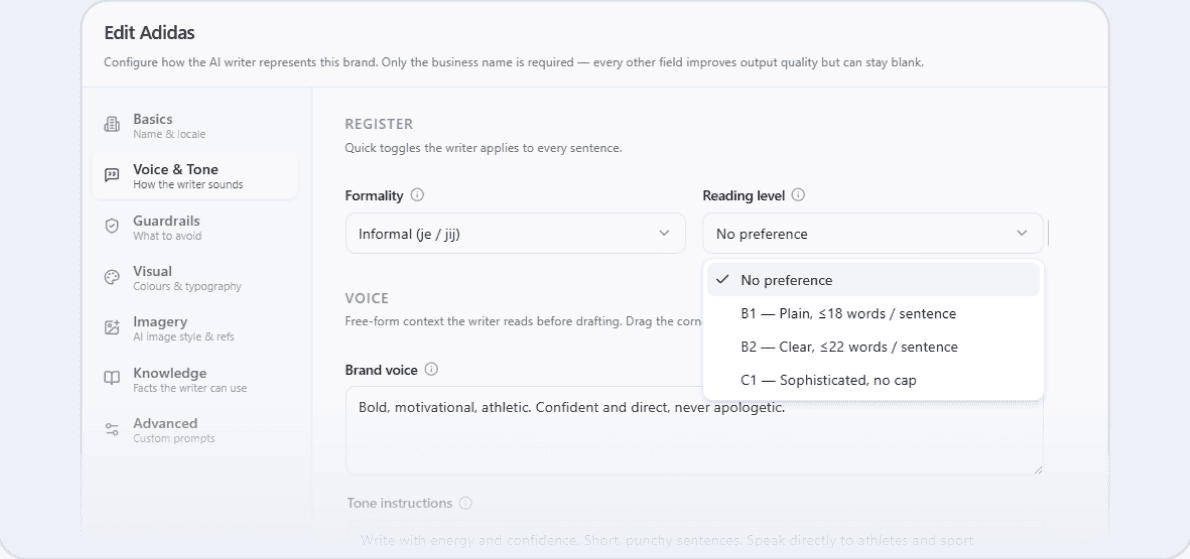
PSEO Builder fetches your brand identity and voice, then lets you fine-tune your voice, tone, target audience and more. Every article starts from it.
04
Articles setup control room
- Language
- Article type
- Brand identity
- Research sources
- Negative terms
- Links
- Global article settings
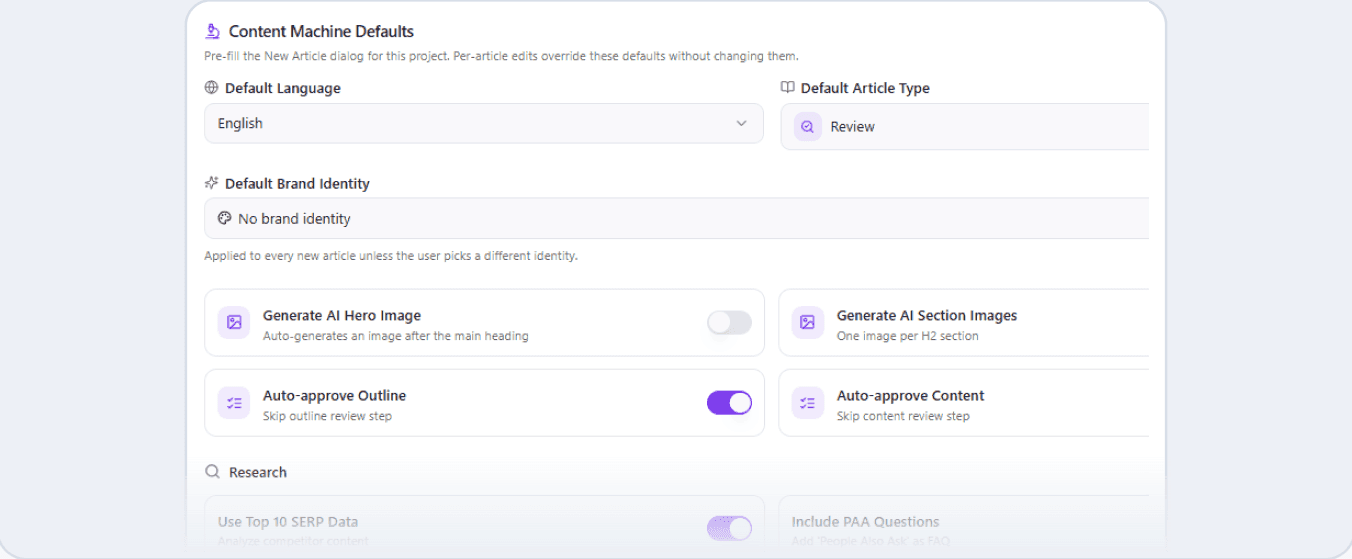
Configure your article settings once, globally, for a streamlined content workflow. Apply your brand identity, research sources, links and other core preferences to every new article.
05
Content pipeline on autopilot
- Keyword budget
- Google SERP
- Competitor analysis
- Images
- Semantic topics
- Content gap assessment
- Content blocks
Research, writing, optimization and publishing all run automatically, freeing you up to focus on strategy.
The Content Machine pipeline
Every article runs through the same six stages. Pick a stage to see what it does.
01. Research
The Content Machine assesses the Google SERP, keyword data and analysis, NLP analysis and content gaps, and builds the outline on that.
- Brand identity and voice
- Knowledge base
- Data sources
- Keyword Matrix
- Writing styles
- Templates
- Bulk import
- Translation
- Indexing
- Reporting and analytics
- Continuous research loop
06
Article publishing to your CMS
- WordPress
- HubSpot
- Shopify
- Webflow
- Contentful
- Storyblok
- Image integration
- Full website builder
PSEO Builder pushes your content straight to your CMS, and a custom CMS integration gives you full control over where and how it lands.






- Custom CMS
07
Translations to reach a global audience
- 20+ languages
- Brand identity applied
- New markets
- Custom instructions
- Local SEO optimized
Translate your articles into more than 20 languages and expand into new markets in one go, with your brand voice and SEO intent preserved.
 Dutch
 English
 French
 German
 Polish
 Romanian
 European Portuguese
 Brazilian Portuguese
 Czech
 Spanish
 Italian
 Swedish
 Finnish
 Danish
 Norwegian
 Hungarian
 Serbian
 Greek
 Turkish
 Arabic
 Japanese
- +7 more
08
Indexing, analytics and insights
- Reports
- Indexing
- Impressions
- Organic search
- Active users
- New vs returning
- Engagement
- Demographics
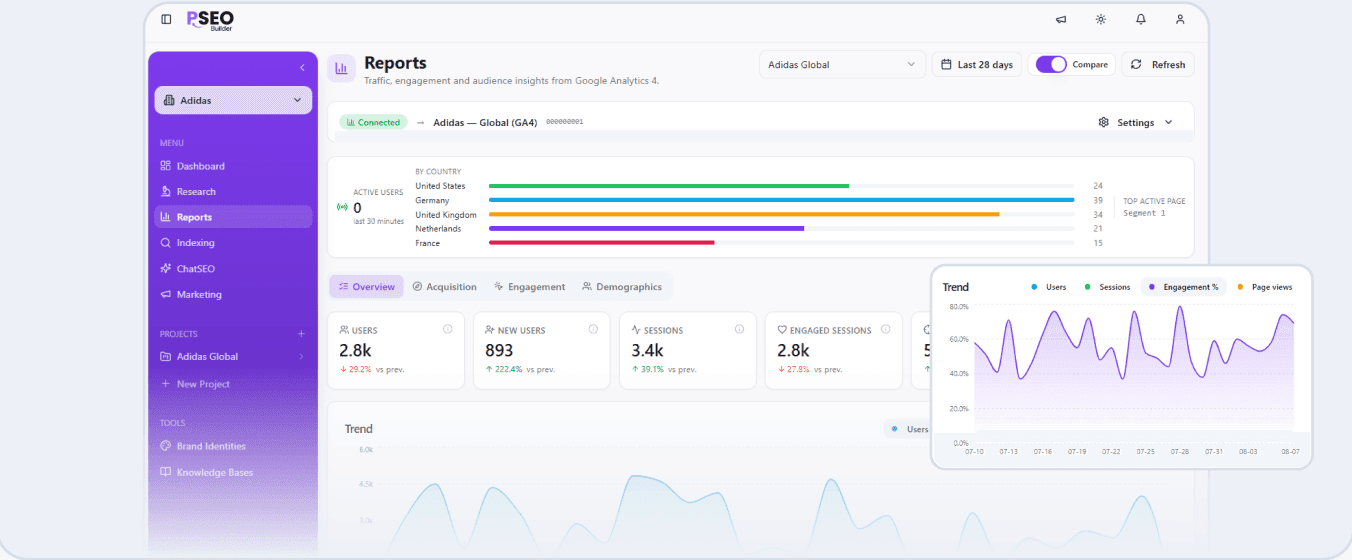
Get your published articles seen by search engines faster, so your content starts ranking sooner. See your traffic, engagement and audience, what is working and where to double down, without leaving PSEO Builder.
More features to increase productivity
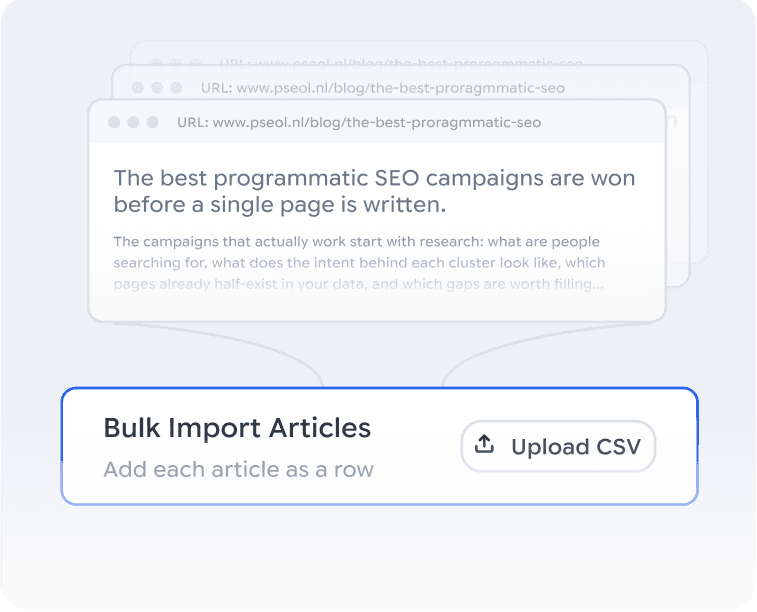
Bulk import your articles
Bring in your existing content library in one upload. PSEO Builder organizes it and makes it pipeline-ready automatically.
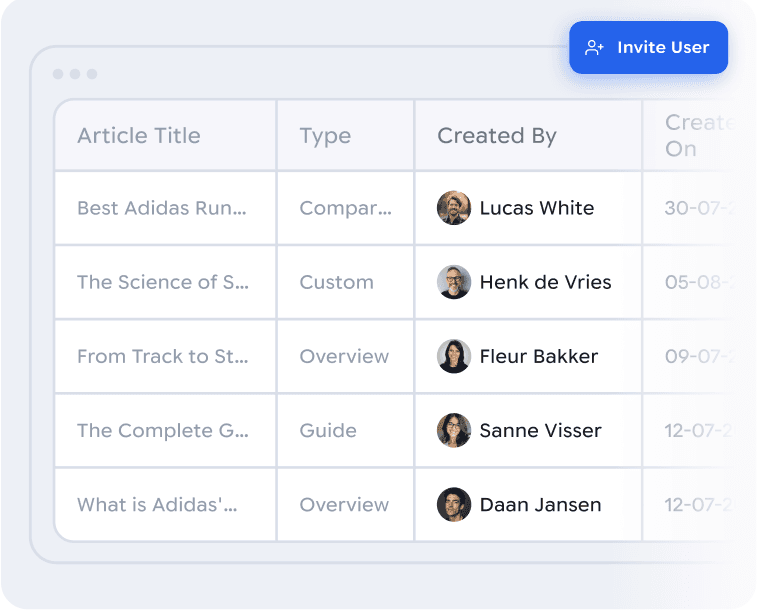
Team member access
Invite your team and work on the pipeline together, with no bottleneck waiting on one person.
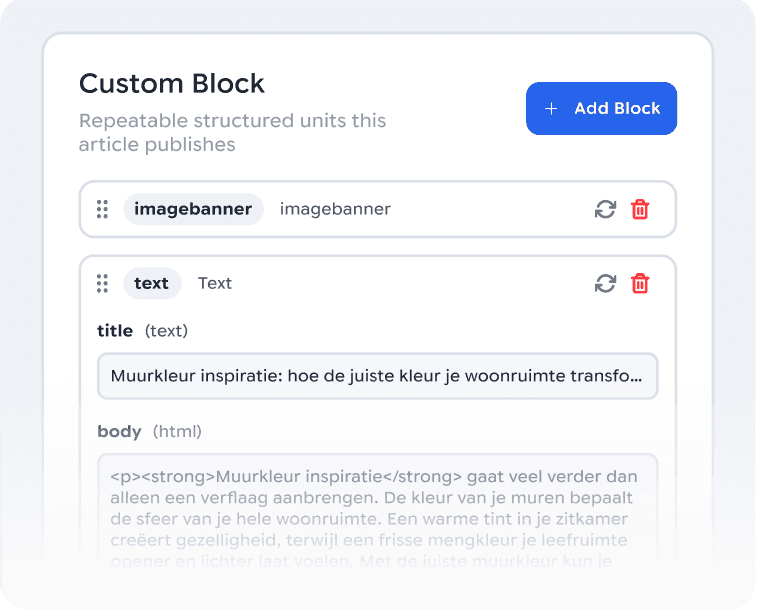
Custom block integrations
Build your own content blocks, such as tables, comparisons and CTAs, and reuse them in every article automatically.
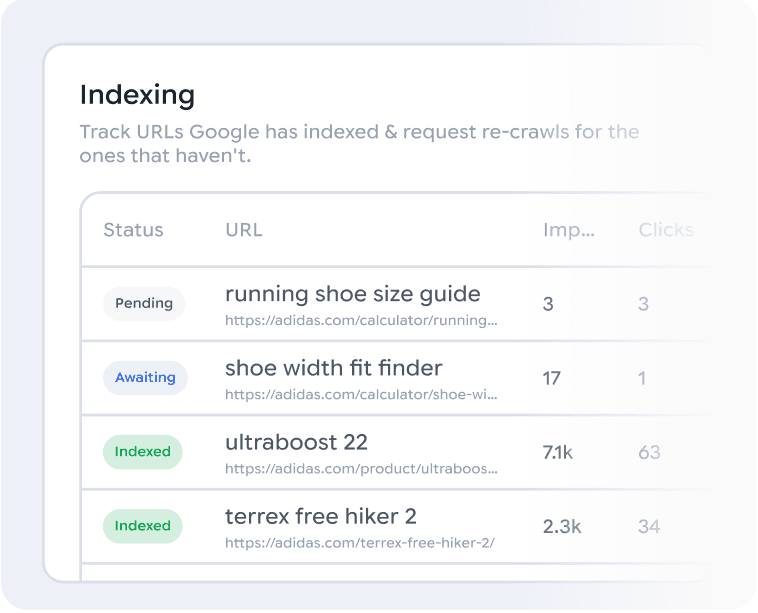
Google indexation
Get your published articles seen by search engines faster, so your content starts ranking sooner.
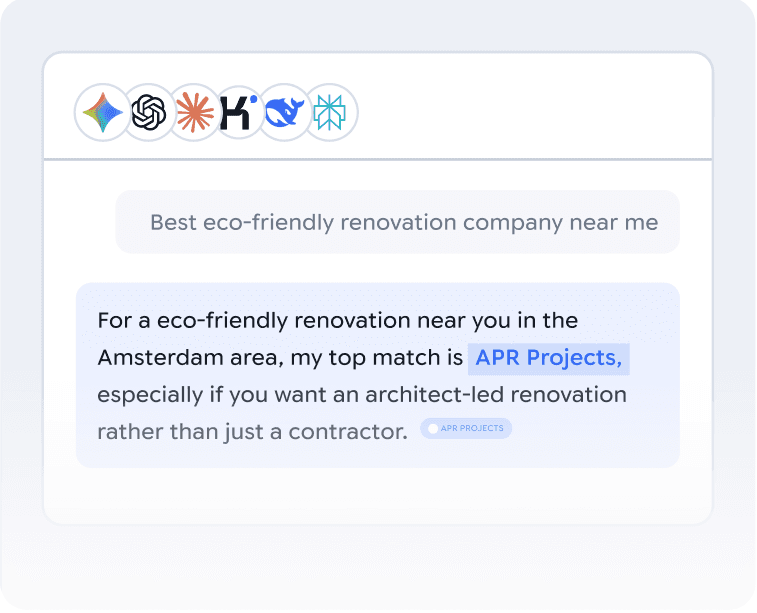
Get cited by AI and LLMs
Content structured to earn citations in AI answers from ChatGPT, Gemini, Perplexity and others.
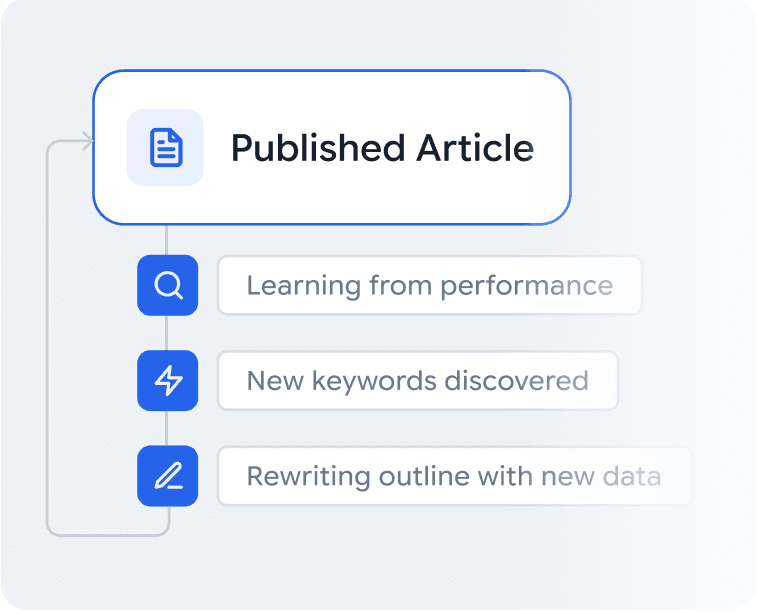
Continuous research loopComing soon
The pipeline learns from what ranks and what gets cited and feeds it back in, so every article makes the next one smarter.
Schedule your articles
Create and bulk-schedule articles and see them all on the calendar.
Head account and subaccounts
Separate subaccounts per client or brand under one head account, for agencies and multi-brand companies.
Build your own templateComing soon
Create blocks and sections down to type, label and layout, and build landing pages from templates or your own blocks.
Marketing toolsComing soon
Connect your social channels, compose posts once or in bulk, and publish or schedule them everywhere.
The PSEO Builder at work
Brands running the Content Machine in production today.

- Content Machine
- Custom integration
- Brand identity
Fully customized building blocks through a custom integration, and image boards from the brand identity that keep every live Klusadvies page on brand.

- Content Machine
- Custom blocks
- Brand identity
Custom blocks for text, image banners and callouts in the content pipeline, publishing structured articles straight into the live site.

- HubSpot CMS Hub
- Keyword Matrix
Data imported into rows and columns, generated in a few clicks and published through the HubSpot integration as localized regional pages.

- WordPress
- Content Machine
The Content Machine on WordPress, publishing guides written to competitive benchmarks of 2,500 words.
Ready? Let's dive in!
Start on your own brand and data today, or book a free growth scan with our team.